
OT Backup and Disaster Recovery: Protecting PLC, HMI, SCADA, and Engineering Workstation Configurations



OT backup and recovery is the disciplined process of preserving industrial configurations, software, data, credentials, and dependencies so an organization can restore safe operations after ransomware, equipment failure, accidental change, or another disruptive event.
A conventional server backup policy is not enough. Industrial recovery depends on more than files and databases. Teams may need the correct PLC logic, HMI project, SCADA configuration, firmware, engineering software, licenses, network settings, safety approvals, and compatible replacement hardware before a process can restart.
The objective is not simply to recover data quickly. It is to restore the physical process to a known, safe, and operable state.
Why OT backup and recovery differs from IT recovery
IT disaster recovery often prioritizes data confidentiality, application availability, and transaction integrity. Those concerns remain relevant in operational technology, but OT recovery must also account for safety, equipment state, process stability, environmental consequences, and production quality.
An apparently successful server restore can still fail operationally if:
- The restored HMI project does not match the PLC logic in production.
- The engineering workstation lacks the required programming software version or license.
- Replacement hardware cannot run the backed-up firmware.
- SCADA services start before identity, time synchronization, databases, or communications are available.
- A controller is returned to service before field devices and interlocks are verified.
- Historian records are restored without validating timestamps, tags, or data continuity.
Recovery planning must therefore connect cyber assets to the physical functions they support. This is one reason OT requires a dedicated security framework for industrial environments, rather than an IT procedure applied without modification.
What an OT backup program should protect
A complete inventory should identify what must be backed up, where the authoritative copy resides, who owns it, and what is required to restore it.
PLCs, RTUs, and other controllers
Preserve more than the latest logic export. Depending on the platform, the recovery set may need:
- Controller programs and tag databases
- Hardware and I/O configurations
- Firmware and compatible boot files
- Communication settings
- Data blocks, recipes, and retained values
- Safety logic and approval records
- Passwords, keys, and access procedures
- Vendor software and exact version requirements
- A validated record of the configuration running in production
Where controller uploads do not preserve comments, symbols, libraries, or source structure, retain the original engineering project as well as a verified device upload. Record whether each backup can be downloaded directly or must first be compiled, converted, or signed.
HMI and SCADA systems
Back up HMI applications, graphics, alarm definitions, tag databases, scripts, user roles, communication drivers, certificates, and deployment packages. For SCADA environments, include server configurations, redundancy settings, interfaces, reports, custom code, and database schemas.
A virtual machine image can accelerate recovery, but it should not be the only copy. Preserve application-level exports and installation media so the system can be rebuilt if the image is corrupted, incompatible, or compromised.
Engineering workstations
Engineering workstations are often critical recovery dependencies. Protect:
- PLC, HMI, DCS, SIS, and drive configuration tools
- Project repositories and local working copies
- Software installers, patches, and vendor libraries
- License files, license server details, and activation procedures
- Drivers, cables, adapters, and communication utilities
- Operating system build details and hardening settings
- Certificates, approved accounts, and secure credential recovery procedures
Maintain a known-good workstation build that can be restored or deployed to spare hardware. Do not assume an installer or compatible license will remain available during an incident.
Historians, databases, and supporting servers
Historian and server recovery may require coordinated protection of:
- Time-series data and historian archives
- SCADA databases and application servers
- Active Directory or local identity dependencies
- Domain Name System and time synchronization
- Patch, antivirus, file, and license servers
- Interface nodes, data collectors, and reporting systems
- Backup catalogs, encryption keys, and recovery documentation
Historian retention should reflect regulatory, quality, forensic, and operational requirements. Document the acceptable data gap for each use case instead of assigning one retention policy to every system.
Network and security infrastructure
Include configurations for industrial firewalls, switches, routers, remote access gateways, jump hosts, monitoring appliances, and authentication services. A recovered controller has limited value if the network paths, VLANs, firewall rules, or required security services cannot be reconstructed.
The asset and dependency inventory should align with the organization’s OT network architecture, including zones, conduits, trust boundaries, and industrial DMZ services.
Build offline and immutable backup layers
OT backups should not remain continuously reachable from the systems they protect. Ransomware or a compromised privileged account can encrypt, delete, or alter online backups alongside production assets.
Use multiple layers:
- Operational copy: A controlled local copy for routine recovery.
- Offline copy: Media or storage disconnected from production and administrative networks when not in use.
- Immutable copy: A protected copy that cannot be altered or deleted during its retention period.
- Geographically separate copy: A copy outside the failure domain of the primary facility when physical events are in scope.
Restrict backup administration, separate credentials from normal OT accounts, require strong authentication where supported, and monitor backup deletion or policy changes. Encrypt sensitive copies when appropriate, but ensure encryption keys and recovery instructions are independently protected and available during an outage.
Before trusting a backup, verify its provenance. A recent copy created after unauthorized logic changes may preserve the attacker’s configuration rather than a known-good state. Use change records, hashes, approved baselines, controller comparisons, and engineering review to establish integrity.
Map restoration dependencies before an incident
A backup inventory answers what exists. A dependency map answers what must work first.
For each critical function, document:
- Upstream power, network, identity, time, storage, and licensing requirements
- Controller-to-HMI and SCADA communication relationships
- Required firmware, software, operating system, and protocol versions
- Safety systems, interlocks, and manual operating procedures
- Vendor or integrator support requirements
- Replacement hardware compatibility
- Cybersecurity controls that must be restored before connectivity resumes
- Owners authorized to approve technical restoration and process restart
Dependency mapping should include IT-to-OT services. If SCADA authentication depends on an enterprise directory, or historian replication crosses an industrial DMZ, recovery can stall outside the plant team’s direct control.
This dependency view also improves OT attack-path validation. The same relationships that enable operation can provide routes an adversary uses to reach critical systems.
Establish a safe OT recovery sequence
The correct sequence varies by process, but a practical plan generally follows these stages:
- Stabilize the physical process. Confirm personnel safety, equipment condition, process state, and approved manual controls.
- Contain the incident. Isolate affected assets and preserve evidence without destroying data needed for investigation.
- Establish a trusted recovery environment. Validate recovery media, administrative workstations, credentials, and backup integrity.
- Restore foundational services. Recover the minimum required network, identity, time, storage, and security services.
- Restore control assets in dependency order. Rebuild controllers, communication services, SCADA servers, HMIs, historians, and supporting applications according to the documented architecture.
- Validate configurations and communications. Compare logic and settings with approved baselines. Confirm expected data flows without introducing unsafe commands.
- Test safety and operational readiness. Verify interlocks, alarms, permissives, fail-safe behavior, field indications, and manual operating procedures.
- Restart the process under operational authority. Use staged energization or startup procedures, with engineering and safety approval.
- Increase connectivity gradually. Reconnect external services only after security controls and monitoring are confirmed.
- Monitor for recurrence. Watch for unauthorized changes, abnormal communications, failed services, and process deviations.
Restoring everything simultaneously can hide faults and reintroduce compromised dependencies. Recovery plans should define explicit hold points at which operations, engineering, safety, and cybersecurity teams decide whether to proceed.
Define recovery objectives based on physical impact
Recovery time objective and recovery point objective remain useful, but they should be derived from process consequences.
Recovery time objective (RTO) is the maximum acceptable time to restore a function. Recovery point objective (RPO) is the maximum acceptable amount of data or configuration change that can be lost.
For OT, add process-specific questions:
- How long can the process remain stopped or in manual operation?
- When does a shutdown create safety, environmental, equipment, or product-quality risk?
- Which systems are required for a safe state versus full production?
- How much controller, recipe, batch, alarm, or historian data can be lost?
- Can the site restart without enterprise connectivity?
- What staffing, vendor, and hardware constraints affect actual recovery time?
Classify objectives by industrial function, not only by server. A safety-related controller, utility system, packaging line, and reporting server should not inherit the same RTO simply because they share a network segment.
Prepare compatible spare hardware and software
Recovery plans frequently assume replacement equipment will be available. Legacy controllers, communication cards, industrial PCs, and proprietary adapters may have long lead times or no current equivalent.
For critical systems:
- Maintain tested spares or documented replacement models.
- Store spares in suitable environmental conditions.
- Track firmware and hardware revision compatibility.
- Retain cables, interface modules, removable media, and power supplies.
- Pre-stage approved workstation images and software.
- Document vendor escalation paths and support entitlements.
- Periodically power on and inspect stored equipment when appropriate.
A spare is not recovery-ready until the team proves that the backup can be restored to it and that it can communicate with the surrounding system.
Test restoration without endangering production
Backup success reports prove that data was copied. They do not prove operational recovery.
Use a tiered test program:
- File verification: Confirm readability, hashes, timestamps, and retention.
- Application restore: Recover projects, databases, and server images in an isolated environment.
- Hardware restore: Load representative configurations onto compatible spare controllers or workstations.
- Dependency exercise: Restore a representative service chain, such as PLC to HMI to historian.
- Tabletop exercise: Walk operations, engineering, safety, IT, and cybersecurity teams through decisions and handoffs.
- Process validation: Confirm startup checks, alarm behavior, interlocks, and approval gates using an approved test environment.
Do not conduct aggressive validation against live controllers merely to demonstrate recoverability. OT systems may not tolerate testing the way modern IT systems do. Frenos explains these constraints in its guide to production-safe OT security assessments.
Testing should record actual recovery time, failed dependencies, undocumented knowledge, missing media, license problems, and configuration mismatches. Convert every gap into an owner, deadline, and retest requirement.
OT backup and recovery checklist
Use this concise checklist to evaluate readiness:
- [ ] Every critical industrial function has an identified recovery owner.
- [ ] PLC, HMI, SCADA, historian, workstation, server, and network configurations are included.
- [ ] Production configurations are compared with approved engineering baselines.
- [ ] Offline, immutable, and geographically separate copies are maintained where required.
- [ ] Backup credentials and encryption keys are independently recoverable.
- [ ] Software versions, licenses, firmware, drivers, and installation media are preserved.
- [ ] Restoration dependencies and recovery sequences are documented.
- [ ] RTOs and RPOs reflect safety and physical process impact.
- [ ] Compatible spare hardware and required adapters are available.
- [ ] Restore tests include application, hardware, dependency, and operational validation.
- [ ] Recovery plans define hold points and restart authority.
- [ ] Backup and recovery controls are reassessed after architecture or process changes.
Strengthen recovery by validating how disruption could occur
Backup and disaster recovery reduce the consequences of compromise, but they do not show whether an attacker can reach critical assets, alter recovery dependencies, or compromise backup administration.
Frenos uses cyber digital twins and simulated adversary techniques to identify and validate IT-to-OT and OT attack paths without testing live production systems. This helps teams determine which reachable systems could affect critical operations, where recovery dependencies introduce risk, and which defenses should be prioritized.
Request a demo to see attack paths in your OT environment and assess defenses without production impact.
Frequently asked questions
Back up configurations after every approved change and at a frequency consistent with the function’s RPO. Periodically compare stored projects with the versions running in production so unrecorded changes do not become the de facto baseline.
No. Snapshots can support fast restoration, but teams should also preserve application exports, databases, installers, licenses, certificates, and build instructions. These components provide alternatives if the image is unavailable, compromised, or incompatible.
An immutable backup cannot be modified or deleted during a defined retention period, including by compromised administrative credentials. Immutability should be combined with access separation, monitoring, offline copies, and tested recovery procedures.
Restart authority should be defined before an incident and normally include the operational, engineering, and safety roles responsible for the affected process. Cybersecurity teams can validate containment and system integrity, but process owners must approve the return to operation.
Related Resources
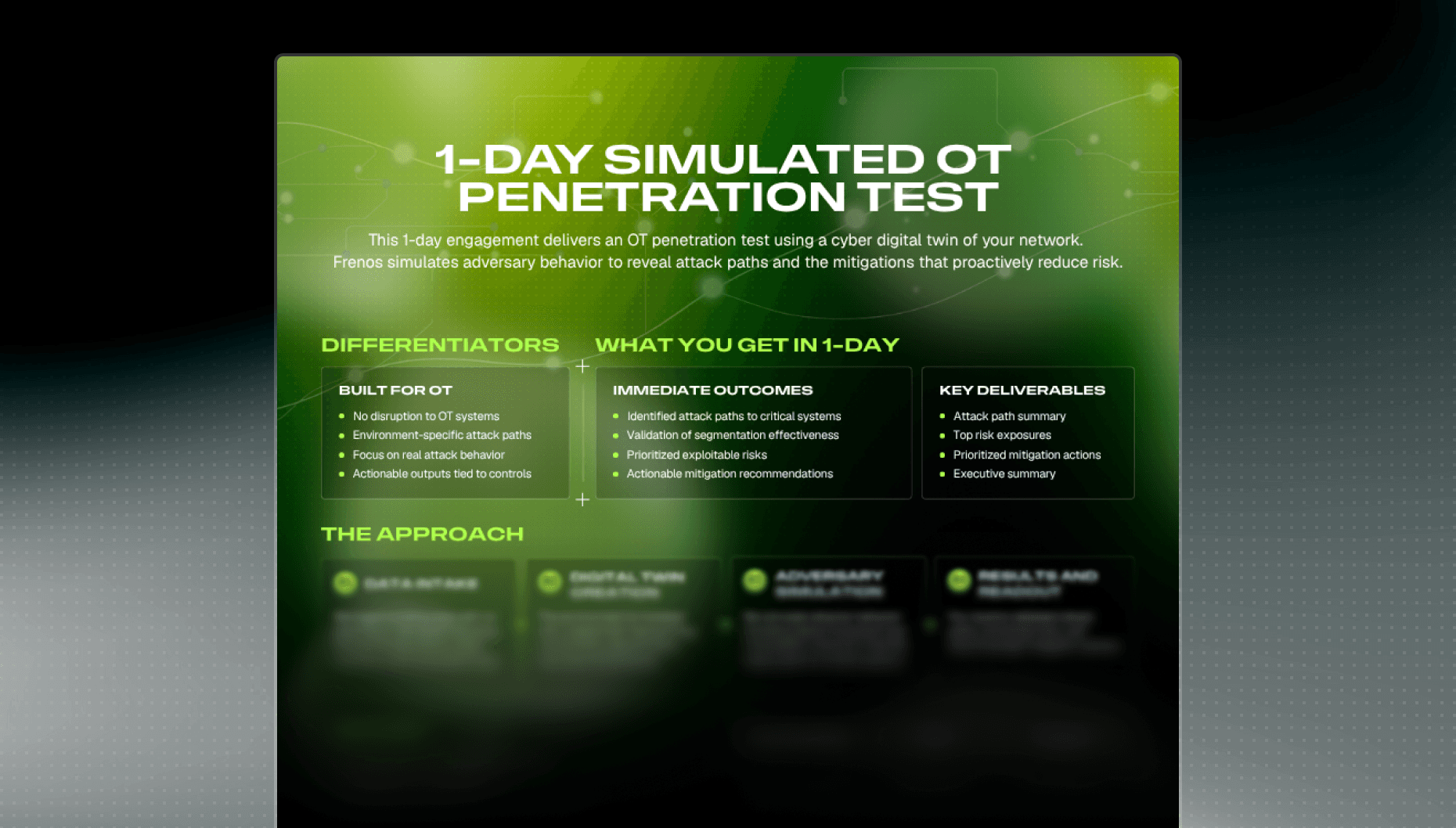

1-Day Simulated OT Pentest
Take a deep dive into understanding how Frenos' simulated OT penetration testing platform allows you to understand and improve your OT security posture at scale.
Read more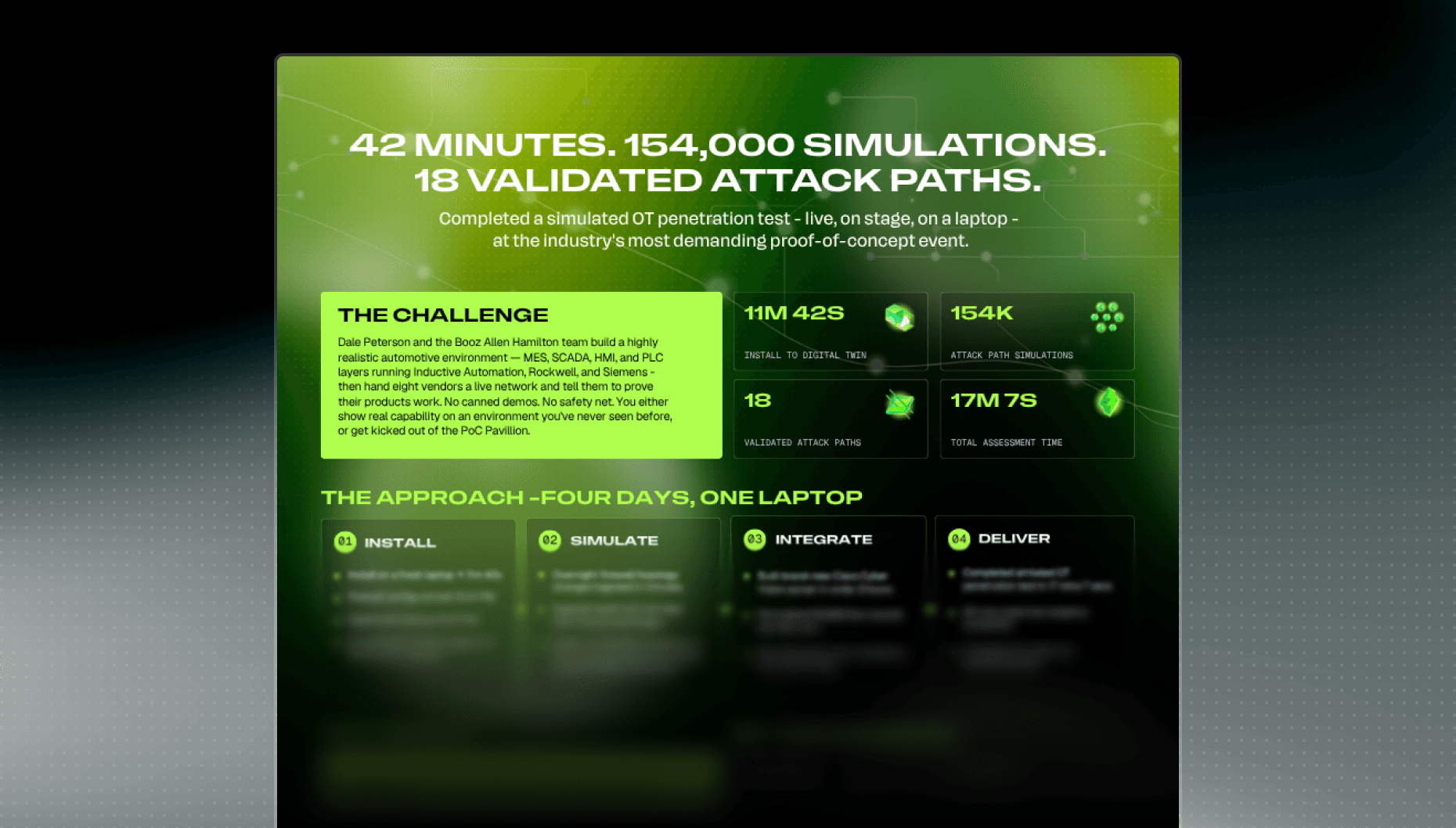
S4x26 Case Study
At the S4x26 POC Pavilion, Frenos completed 154,000 OT attack path simulations in 17 minutes and 7 seconds in a documented engagement. From three assumed-breach starting points (iDMZ, Plant Operations, Enterprise), the platform validated 18 attack paths into the critical Rockwell and Siemens zone. Those paths are exploitable given the actual controls, firewall rules, routing, and configurations modeled in the digital twin.
Read more
Threat Intelligence
Transform static threat intelligence into dynamic attack simulations. Reveal exactly how specific threat actors could compromise your OT environment before they try.
Read more